- by foxnews
- 16 Mar 2026
Transfer photos from your phone to a hard drive
Learn how to transfer photos from your phone to a hard drive and avoid paying for additional cloud storage while keeping full access to your images.
- by foxnews
- 12 Mar 2026
- in technology
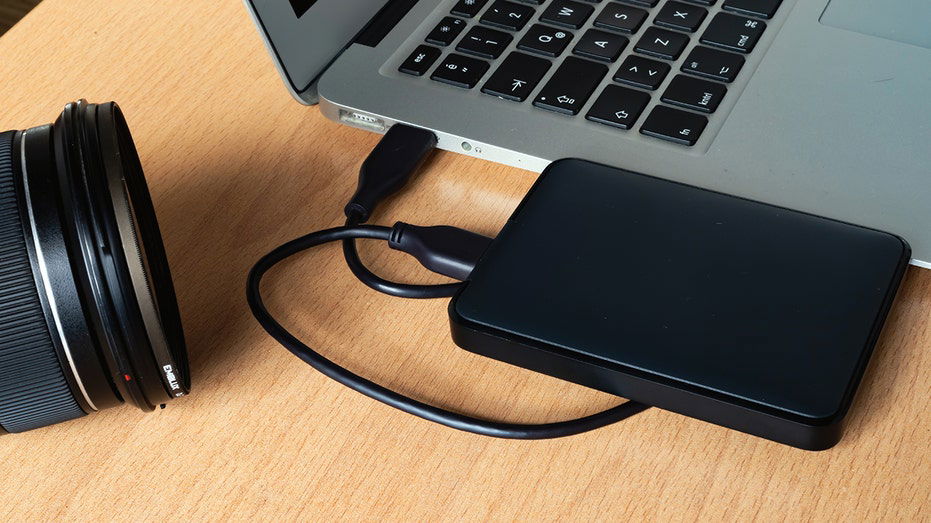
If you own a smartphone, this moment eventually arrives. A warning pops up saying your storage is almost full. Photos stop syncing. Apps slow down. Suddenly, you are deleting emails, clearing messages and searching for anything that will free up space.
Janice from Alabama recently wrote to us about this exact situation.
Sign up for my FREE CyberGuy ReportGet my best tech tips, urgent security alerts and exclusive deals delivered straight to your inbox. Plus, you'll get instant access to my Ultimate Scam Survival Guide - free when you join my CYBERGUY.COM newsletter.
Apple devices use a slightly different process. Instead of opening the phone like a storage device, you import photos through the Photos app on your computer.
The photos will download to your Mac's photo library.
Once copied, paste the files into a folder on your computer. This step gives you a full backup before moving them to a drive.
Once your photos are on your computer, transferring them to a hard drive is quick.
Now your photos are stored safely on a device you control. External drives can hold tens of thousands of photos, depending on the size of the drive. Check out our best external drives article at Cyberguy.com.
If you prefer skipping the computer, some flash drives plug directly into smartphones. These drives typically include:
After connecting the drive, open the companion app that comes with it. From there, you can move photos directly from your phone to the drive. This option works well when you need to free up space quickly. Be sure to explore our best flash drive recommendations at Cyberguy.com.
After transferring photos to a hard drive, spend a few minutes organizing them.
Create folders by:
Hard drives are reliable, but keeping a second backup ensures your memories stay protected if one drive ever fails.
Cloud storage can feel inexpensive at first. Over time, the monthly charges add up. An external hard drive often costs less than a year or two of cloud storage fees. After that, the storage is essentially free. Even better, your photos stay under your control rather than sitting only on a company server.
Think your devices and data are truly protected? Take this quick quiz to see where your digital habits stand. From passwords to Wi-Fi settings, you'll get a personalized breakdown of what you're doing right and what needs improvement. Take my Quiz here: Cyberguy.com.
So, here is something worth thinking about. If your phone holds years of photos and videos, should those memories live only on a company's cloud server or somewhere you fully control? Let us know by writing to us at Cyberguy.com.
Sign up for my FREE CyberGuy ReportGet my best tech tips, urgent security alerts and exclusive deals delivered straight to your inbox. Plus, you'll get instant access to my Ultimate Scam Survival Guide - free when you join my CYBERGUY.COM newsletter.
Copyright 2026 CyberGuy.com. All rights reserved.
you may also like


- by foxnews
- 15 Mar 2026
Iran-linked hackers target US medical tech company

- by foxnews
- 14 Mar 2026
Fox News AI Newsletter: FDA rolls out AI-powered vaccine platform




travel
- by foxnews
- descember 09, 2016
Archaeologists uncover lost medieval city that vanished without a trace: 'True time capsule'
Archaeologists have discovered the lost medieval town of Stolzenberg in a Polish forest, uncovering more than 400 artifacts and new clues about why the town mysteriously vanished.
read more